




Clear Title & Subtitle
Make your title easy to read, even at thumbnail size. Keep the author name clear and the hierarchy simple.
Choose readable fonts and give your title room to breathe.
KDP COVER GUIDE
From cover dimensions to the final upload, understand the essentials of Amazon KDP cover preparation and get your book ready for print with confidence.
 KDP requirementsCover dimensionsDesign best practices
A complete paperback cover
✓ Print-ready layoutBack cover

YOUR NEXT
GREAT STORY

AUTHOR NAME
01 / THE ESSENTIALS
A successful cover meets Amazon KDP's technical standards and looks perfect in both print and digital formats.
 High-resolution PDF (300 DPI)Correct trim sizeInclude spine for paperback (based on page count)No bleed or crop marksFollow KDP content guidelines
kdp
Paperback cover.pdf

The right file. The right dimensions. Ready for print.
← 6.0 in (152.4 mm) →
THE MOUNTAIN WITHIN
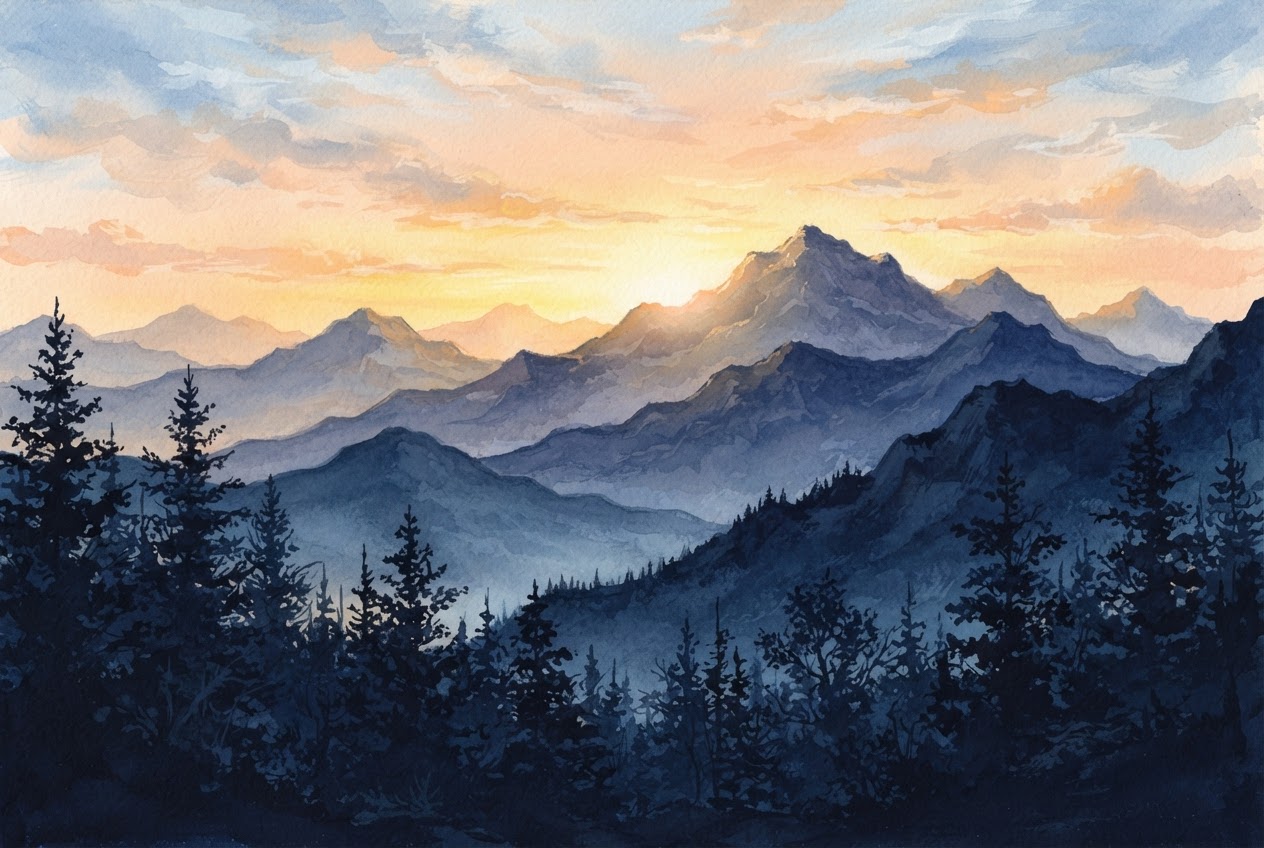
ALEX RIVERS
↕ 9.0 in (228.6 mm)
02 / GET THE SIZE RIGHT
Amazon KDP supports multiple trim sizes for paperback and hardcover books. Your cover must match the exact dimensions, including the spine width for print books.

Bleed is extra artwork, not a printed guide. Extend backgrounds 0.125 in (3.2 mm) beyond the trim edge. Keep text and key details at least 0.25 in (6.4 mm) inside the outside edge of the cover. Export without visible guide lines or crop marks.
03 / DESIGN WITH CONFIDENCE
A great book cover should be visually appealing, clear, and on-brand. Here are some best practices to help your cover stand out and attract more readers.
Make your title easy to read, even at thumbnail size. Keep the author name clear and the hierarchy simple.
Choose readable fonts and give your title room to breathe.

Use sharp, high-resolution images that reflect your genre and help readers understand your book.
Start with 300 DPI artwork at the final printed size.

Create a cohesive look across the front, back, and spine. Use contrast to make important text stand out.
A focused palette and 2–3 fonts are usually enough.

Keep titles, logos, and important artwork away from trim edges, folds, and the barcode area.
Preview the full wrap with bleed, trim, and safe-zone guides.

Spine width depends on the final page count and paper type. Only include spine text when your book is thick enough for KDP's requirements.

Reserve a clear 2 × 1.2 in area on the back cover for KDP's barcode. Keep text and important imagery outside this space.
04 / AVOID THE COMMON PITFALLS
Check these common cover issues before you upload, and avoid unnecessary revisions.

Blurry or pixelated artwork can look fine on screen but lose detail in print.
 Use original, high-quality artwork at 300 DPI.

The wrong trim size or spine width can shift your layout and cause upload errors.
Match your cover to the final manuscript and paper type.

Titles, author names, and back-cover copy can be trimmed or lost in the fold.
Keep all essential content inside the safe zones.
05 / BEFORE YOU PUBLISH
One final review makes all the difference. Open your exported PDF and check every panel before uploading to KDP.
Cover dimensions match the selected trim sizeSpine width matches the final page count and paper typeAll images are sharp and high-resolutionText and important details stay inside the safe zonesBarcode area is clear and the PDF has no visible guidesReview the full cover in KDP Print PreviewerKDP COVER FAQS

Use the KDP Cover Calculator with your trim size, page count, ink, and paper type. Recalculate if your manuscript changes.
Yes. Your front artwork is a starting point, but a paperback needs a complete wrap with a back cover, spine, and bleed.
KDP can add a barcode for you. Leave the required space clear on the back cover so it doesn't overlap your design.
Always check your file in KDP Print Previewer. Final acceptance depends on KDP's current technical and content requirements.
No more templates. No more manual calculations.
Just upload, generate, and download your print-ready cover.